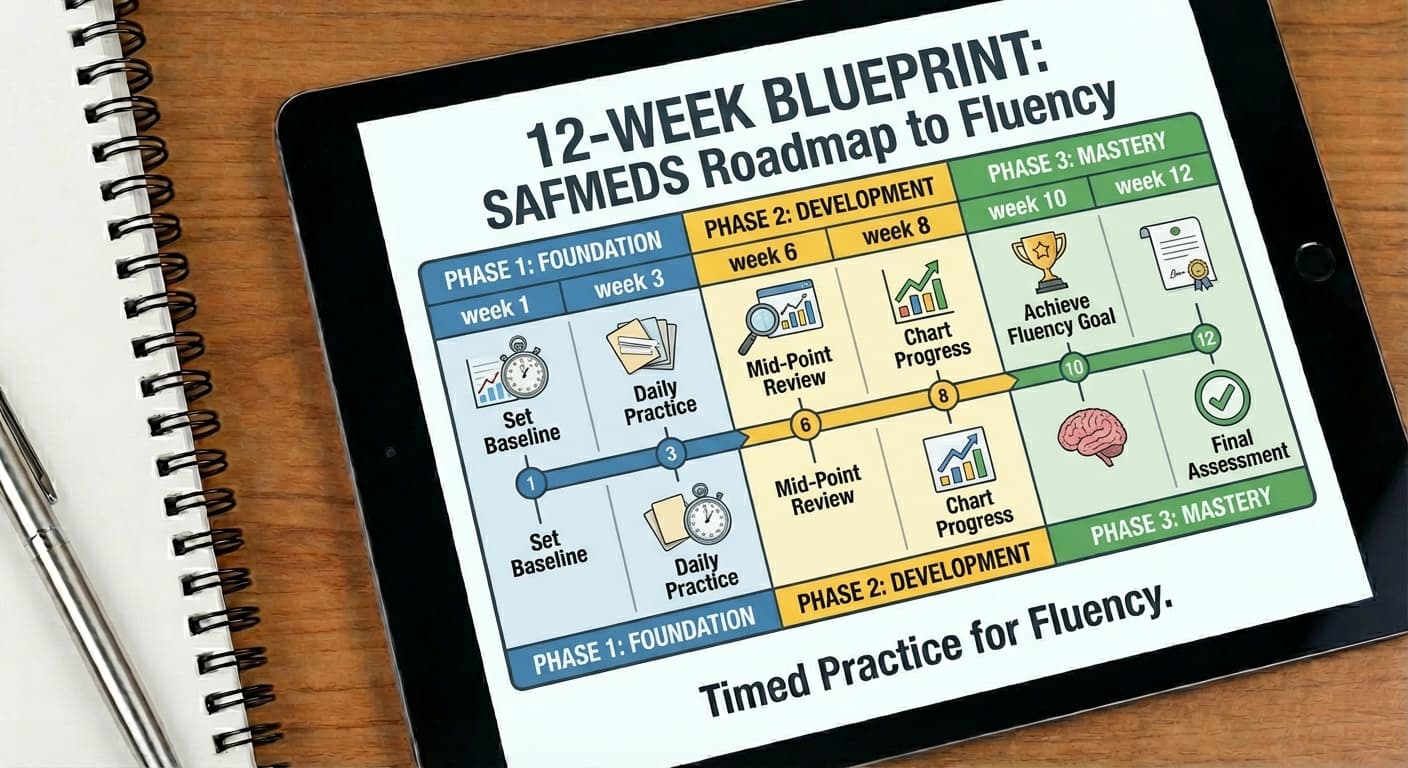
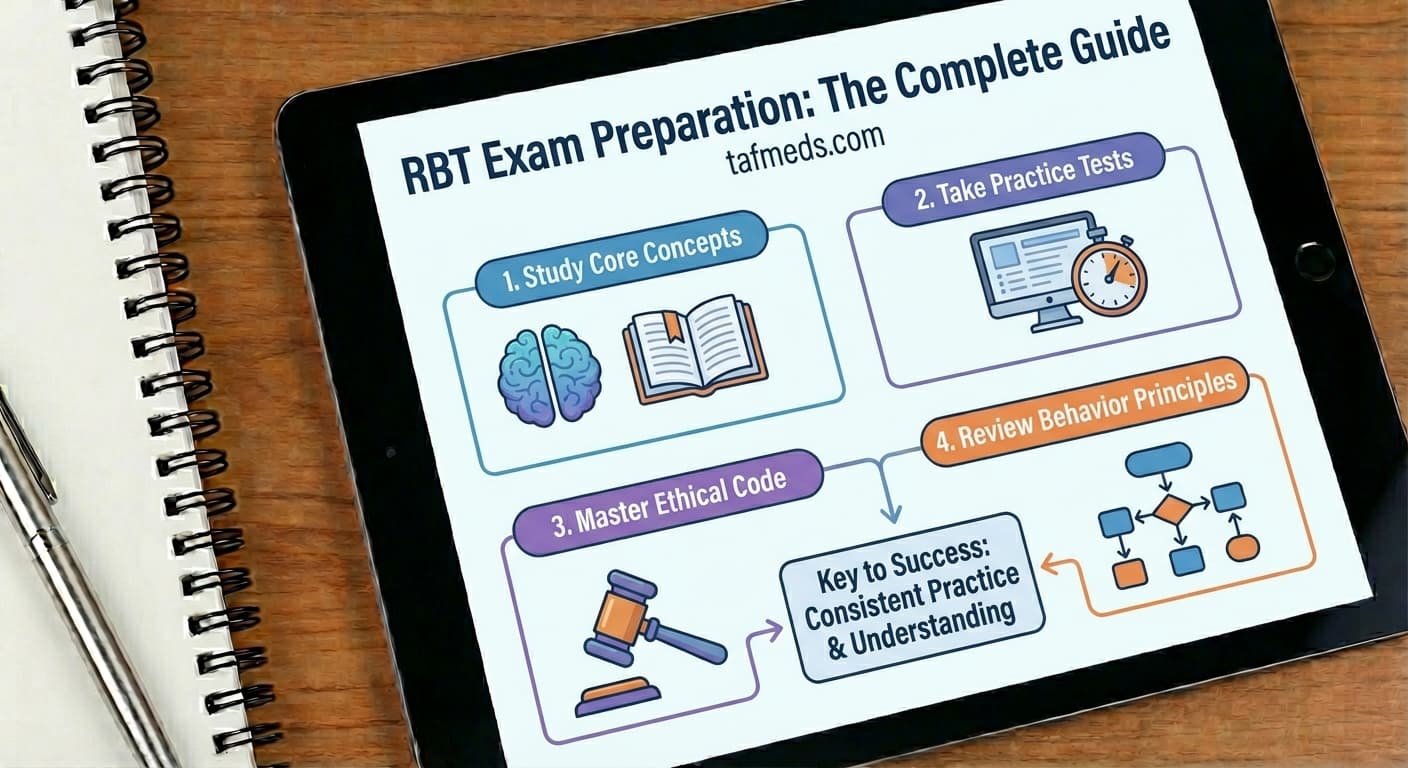
Your first week in TAFMEDS can start with one deck and three short visits on different days. On the first visit, learn the practice controls and save a result. On the next two, return to the same material, review your answers, and notice what needs more attention.
That gives you a useful starting record—a baseline for your own practice. It does not establish mastery or predict an exam result. You also do not need to select a special assessment mode to follow this plan.
Choose three practice days
Pick three days you can reasonably protect this week. Monday, Wednesday, and Friday would work, but any three separate days can fit the plan. Allow a few minutes to prepare, complete the timing, and review afterward. A one-minute timing is only one part of the visit.
| Visit | Your task | What to leave with |
|---|---|---|
| First practice day | Choose a deck, complete a session, and confirm the save | A starting result and one concept to review |
| Second practice day | Return to the same deck and settings | Another saved result and a clearer view of recurring errors |
| Third practice day | Practice again and look back at the week | One specific next step |
Three days is a manageable starting plan, not a required dose or a guarantee of improvement. If the week changes, move a visit rather than trying to squeeze all three into one sitting.
Start with one relevant deck
Browse the TAFMEDS deck library and choose material connected to something you are studying now. Two starting options are BCBA Foundations Sampler and RBT Core Concepts Sampler. Check the deck's description and choose the one that matches your learning goal.
If you are new to the method, the complete SAFMEDS guide explains the background. For this first week, you can begin with an available deck. The guide to building your first SAFMEDS deck is useful when you want to work with your own course material later.
New here? Create a free account, complete the account setup prompts, then open Practice and select your deck. Keep its name handy so you can find it after registration. If you already have an account, go straight to Practice.
Complete your first timing
Before starting, read the explanation of how practice is measured. If several terms are completely unfamiliar, spend a little time with your course notes or reference material first.
On the Practice screen:
- Select your deck and leave the session type on Practice.
- Open Settings to check the practice direction. Def → Term shows a definition and asks you to type the term. Term → Def asks you to type a definition. Keep the same direction when comparing sessions.
- For this timed walkthrough, use the standard 60-second option and select Start 60-Second Practice.
- Read each card, type your answer, and submit it. Skip a card you cannot answer, then review it afterward.
You are learning the process as well as practicing the material. Work carefully enough that your responses tell you something useful.
If a countdown is unsuitable, Free accounts offer Untimed practice (no timer). That lets you work at your own pace. Untimed practice does not appear on the fluency chart, so compare it with similar untimed work rather than treating it as an equivalent one-minute timing.
Check the answers and confirm the save
When the session ends, stay on the page while it processes your results. Ending a timing and saving its result are separate steps.
If the Free account review asks Did we miss any you knew?, compare what you typed with the expected answer. Mark a response correct only when it actually answers the card; recognizing the answer after seeing it is different from having answered it correctly. Then select Looks right — save my session, or the save button showing your corrections.
Wait for confirmation that the session saved. If a retry or pending-save message appears, follow its instructions before leaving. Once saved, you can look back through History.
A saved session may still be ineligible for chart or streak credit. Read the explanation shown with your results. The absence of a chart point does not, by itself, mean your answers were lost.
Choose your first practice deck: Browse the starter decks, note the deck name, and use it for your first visit.
Return to the same material
On your second practice day, review the concept you found difficult before starting. Then use the same deck, direction, and timing option. Keeping those conditions similar makes the results easier to compare.
Look beyond the total correct count. Which answers were incorrect or skipped? Did the same distinction cause trouble again? A short note such as “I keep confusing these two terms” gives you a more specific next task than “study harder.”
On your third day, practice again and review all three visits. Treat a single high or low result cautiously. You may still be getting used to the controls, and three sessions provide only a small amount of information.
Choose one next step
At the end of the week, choose the action your results support:
- Review an unfamiliar concept using your course materials or instructor's explanation.
- Continue with the same deck when it remains useful.
- Ask for clarification when a card or expected answer seems ambiguous.
- Use the student guide if the workflow itself is getting in the way.
The goal for this week is a repeatable routine: choose material, practice, check the save, review, and return. You can follow this starter routine with a Free account and an available free deck.
Choose your first practice deck and put the first visit on your calendar.